
Blog
How to Repurpose One Video Into Three Social Media Posts

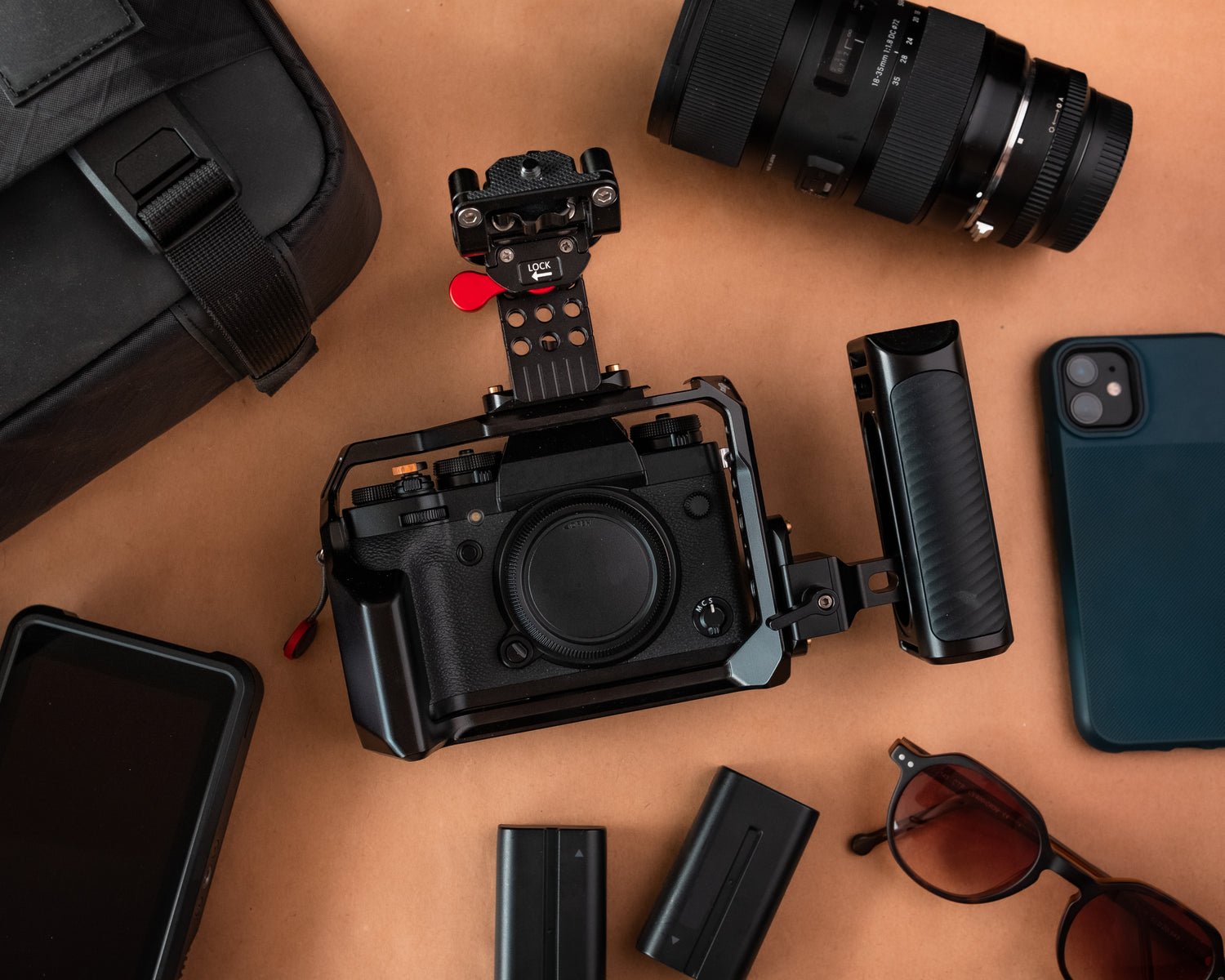
To repurpose one video, watch it once and mark three things a viewer could use separately: a movement worth seeing, a sequence worth saving and a detail worth a closer look. Each can become a different post. A video without all three may yield one excellent clip. Start with the material you have.
Mark useful moments before you open the editor
Imagine a ceramicist records a six-minute demonstration of attaching a mug handle. At 1:10 she shows the curve against her fingers. At 2:40 she explains how she aligns the ends. At 4:15 she turns the cup to show how she checks the join. These are illustrative timestamps for this example. In your own recording, write down the moment, the question it answers and any explanation a viewer needs from earlier footage.
Post one is a short demonstration
Use the close-up of the maker checking the curve. Begin where her hand and the handle are both visible. Keep the sentence that explains what she is checking. End when the viewer can see the adjustment. A caption such as “Watch the gap between my knuckles and the mug” tells someone where to look. Play the edit without sound. A viewer should still be able to see the difference the maker describes.
Post two is a carousel someone can save
Use stills from the alignment sequence. The opening slide can ask “How do you line up both ends of a mug handle?” Follow it with one frame showing the upper contact point, one showing the lower point and one showing the position from the side. A short label beside each frame helps readers compare them when they swipe back. If a still is blurry, take a fresh photograph of that step before publishing.
Post three answers a question in one photograph
Choose the finished side view. Use the caption to answer “What do you check before putting the mug down?” Describe the check the maker actually performs in the recording. Close with a question a fellow maker could answer from experience, such as “Which angle do you use to check yours?” This gives someone who saw the earlier clip a different reason to stop.
Check each post outside the original video
- Context. Play the clip or read the caption on its own. Replace references such as “the first one” with the name of the part or step.
- Accuracy. Compare captions with the recording. Keep any condition the speaker attached to their advice.
- Framing. Preview the post on a phone. Keep the detail being demonstrated clear of captions and interface controls.
- Permission. Check that the footage, music and people shown can appear in each destination you have chosen.
Keep a small record of what each post was meant to do. A practical question in the comments may suggest a follow-up demonstration. Saves on a step sequence can help you decide which instructions deserve a longer guide. Compare each response with the job you gave that post.
For eight video lessons, a production workbook and a clip review checklist, explore The Content Multiplier. For a place to schedule the finished pieces, use the four-week Instagram content plan.